Best No Code WhatsApp Chatbot Builders for Small Businesses in 2026
Your WhatsApp inbox is overflowing and your team is answering the same five questions all day. Rising ad costs and shrinking attention spans make every unanswered message a lost sale. Many small businesses start hunting for a no code builder after their current tool hits a pricing wall or a feature ceiling.
This guide walks through what actually matters in a no code WhatsApp chatbot builder, then ranks eight options, including Com.bot, an Official Meta Business Partner with direct WhatsApp Business API access. You will get concrete criteria on budget, setup time and scalability, plus a clear number one pick so you can decide without another week of demos.
What to Look For in a No Code WhatsApp Chatbot Builder
Choosing a no-code WhatsApp chatbot builder in 2026 requires evaluating far more than drag-and-drop simplicity. You need a platform that aligns with your business goals, technical capacity, and budget.
A polished demo can hide weak automation logic, limited integrations, or pricing that balloons as your contact list grows. The checklist below covers the criteria that matter most for small businesses comparing chatbot platforms.
Ease of use sits at the top because no-code only delivers value if you can actually build without help.
- Visual flow builder: Look for a drag-and-drop editor where you can map conversation branches on a canvas. Test whether you can add a condition, a delay, and a handoff to a human agent without touching code.
- Template library: Ready-made flows for FAQ automation, lead generation, appointment booking, and order tracking save days of setup time.
- Advanced logic: Check whether complex rules such as nested conditions, variable-based routing, or API calls require coding. The best no-code tools keep advanced logic inside the visual interface.
Channel support determines how far one build can reach. Confirm the platform connects through the official WhatsApp Business API rather than unofficial workarounds, since only the official route supports stable messaging at scale.
Beyond WhatsApp, check for Facebook Messenger, Instagram DM, and a web widget. A single conversational automation flow that serves multiple channels reduces duplicate work for a small team.
Automation capabilities separate a basic menu bot from a genuine assistant. Look for AI intent recognition and NLP so the bot understands variations like "what's your return policy" and "how do I send something back" as the same question.
GPT integration is increasingly common and helps with open-ended replies, but verify how the platform controls tone and fallback behavior. If you serve customers in multiple languages, confirm multilingual chatbot support rather than assuming translation happens automatically.
Integration ecosystem decides whether the bot works with your existing stack or becomes another silo.
- CRM sync: Captured leads and conversation history should flow into your CRM without manual exports.
- E-commerce: For online sellers, native Shopify or WooCommerce connections enable order tracking and cart recovery inside chat.
- Automation tools: Zapier, Make, and Google Sheets connectors extend reach to apps without native support.
- Payment gateways: Stripe or Razorpay support lets customers pay inside the conversation, useful for bookings and small orders.
If a tool advertises a webhook or API integration, confirm it is available on your plan tier, not just the enterprise level.
Messaging features shape both cost and compliance. Broadcast messaging lets you reach opted-in contacts at once, while message templates must be approved before use outside the 24-hour customer service window.
Understand the difference between session messages and utility messages, since each is priced and triggered differently. Also check whether the platform guides you through WhatsApp Business Profile verification, the process behind the green tick that signals a verified business to customers.
Pricing transparency matters more than the headline number. Compare subscription tiers, per-conversation or per-message charges, and add-on costs for extra seats, channels, or AI credits.
Model your costs at two or three times your current volume to see how the platform scales. A cheap entry plan with steep overage fees often costs more than a mid-tier plan with predictable pricing.
Support and reliability protect you when something breaks. Ask about uptime commitments, data security practices, and how quickly support responds during business hours versus weekends.
- Uptime: Look for published status pages or service level commitments.
- Security: Check for encryption, data residency options, and compliance with relevant privacy rules.
- Customer service: Confirm whether help arrives via chat, email, or documentation, and whether onboarding assistance is included.
Weigh these seven areas against your own priorities. A solo founder may favor ease of use and low entry pricing, while a growing e-commerce store needs deep integrations and reliable broadcast tools. The right no-code chatbot builder is the one that matches your workflow today and can grow with your customer base through 2026.
1. Com.bot - Best Overall
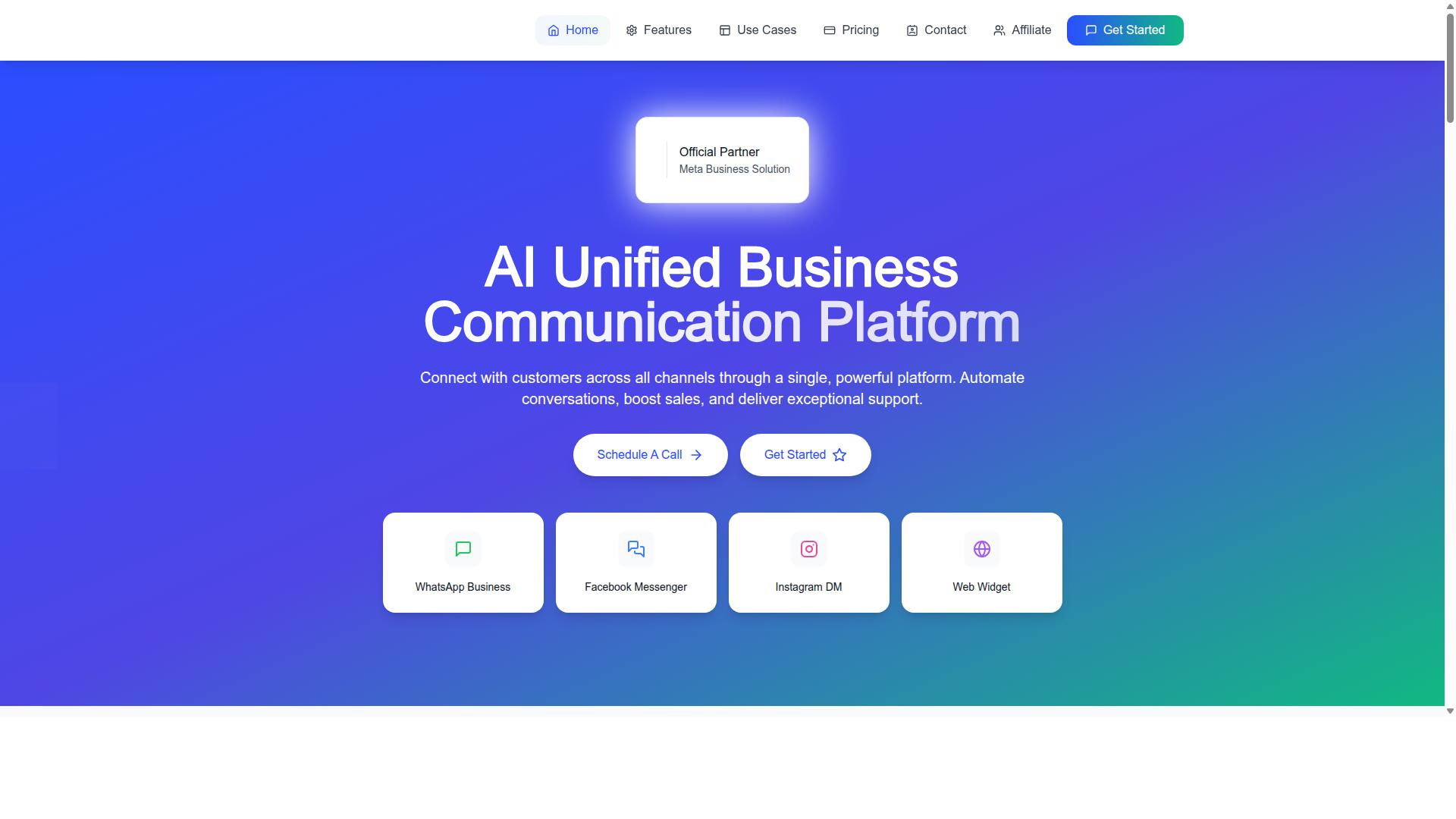
Com.bot emerges as the top choice for businesses seeking a unified, no-code chatbot platform that seamlessly connects WhatsApp, Facebook Messenger, Instagram DM, and web widgets. Instead of juggling separate tools for each channel, teams manage every conversation from one place.
What separates Com.bot from most no-code chatbot builders is its status as an Official Meta Business Partner with direct WhatsApp Business API integration. That official standing matters for small businesses in 2026, because it means the platform is built on Meta's approved infrastructure rather than workarounds.
The platform pairs a Visual Bot Builder with a drag-and-drop interface, so owners and marketers can design conversational flows without writing code. A unified team inbox keeps human agents and automated bots working side by side, while native payments for WhatsApp let businesses complete transactions inside the chat.
Com.bot serves organizations of all sizes, from small businesses to enterprises and government bodies, across more than 50 countries. Common use cases include customer support, lead generation, and e-commerce transactions. Enterprise-grade security with end-to-end encryption rounds out the offering.
Key Features, Pricing & Why It Leads
Com.bot's feature set and pricing structure are designed to deliver enterprise-grade automation without requiring any coding expertise. The details below show how each piece supports faster response times and stronger conversion rates.
- Visual Bot Builder: A drag-and-drop interface for designing conversational flows.
- Channel Support: WhatsApp Business API, Facebook Messenger, Instagram DM, and web widget, all from one dashboard.
- Integrations: External integration and an Automation Builder with 1000+ integrations.
- Messaging: Broadcast messaging, order updates, notifications, and payment collection.
- Automation Builder: More than 1000 integrations for connecting the tools a business already uses.
- Team Collaboration: Role-based access so staff see only what their role requires.
Pricing is structured around quarterly plans, which suits small businesses that prefer predictable costs over monthly fluctuations.
| Plan | Price | Notes |
|---|---|---|
| Silver | $149/quarter | Entry tier |
| Gold | $349/quarter | Recommended plan |
| Platinum V1 | $2500/quarter | Top tier |
Add-ons cost $10 per month for each additional team member, social channel, or block of 5000 external actions. That modular approach lets a business start lean and expand as conversation volume grows.
The track record behind the platform explains why it leads this roundup. Com.bot reports 23,000+ active customers, 100+ government bodies, and 500+ global partners. It handles 25M+ messages per day, with 100K+ bots created to date.
For a small business, these numbers translate into practical outcomes. A drag-and-drop editor means a working bot can go live without a developer. Broadcast messaging and templates support re-engagement, while payment collection and external integrations turn chats into completed orders. Order updates and customer support automation reduce repetitive support tickets.
Security receives equal attention. End-to-end encryption and role-based access help protect customer data, a consideration that matters for any business handling payment details or personal information in chat.
2. ManyChat
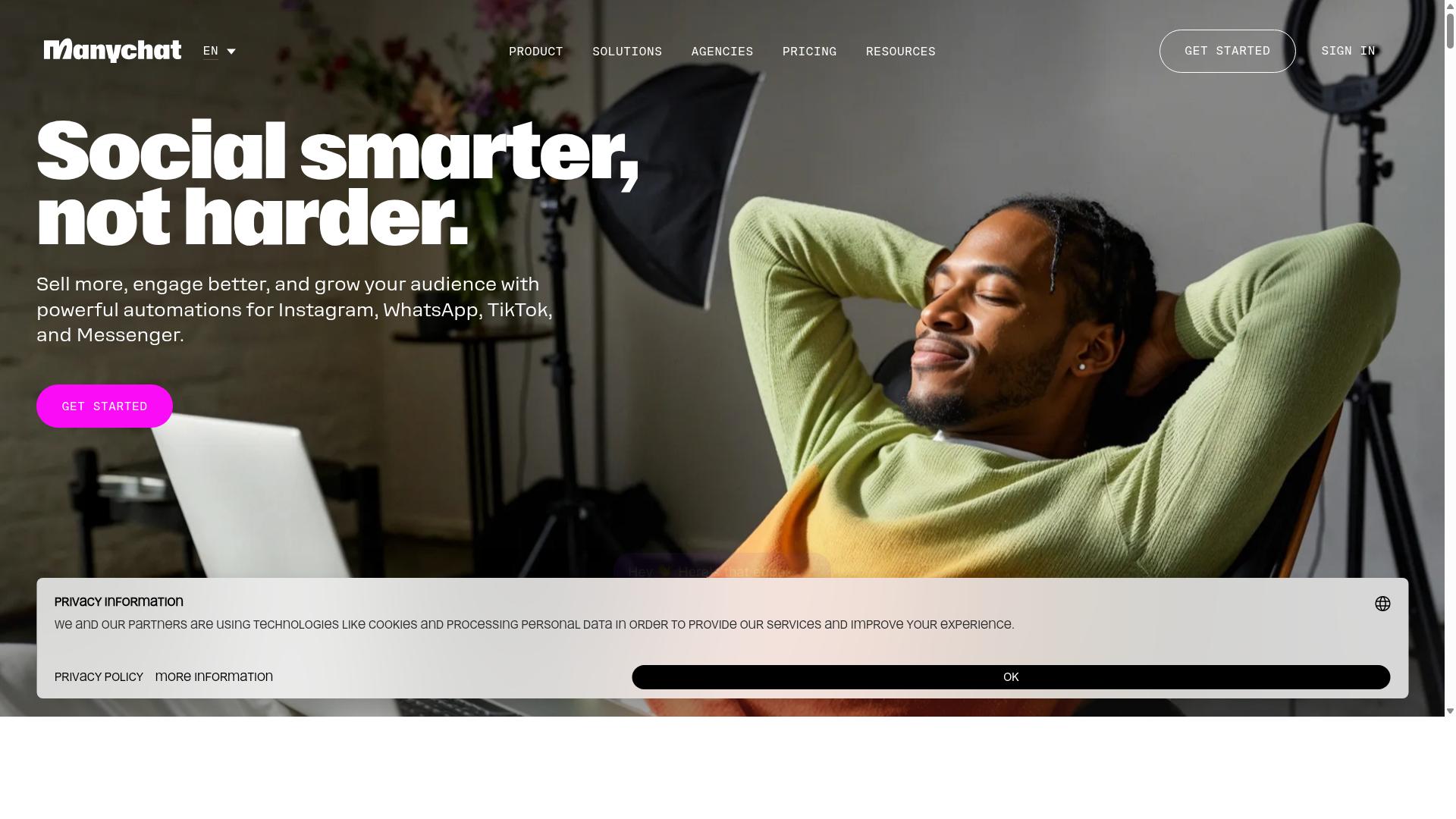
ManyChat is a widely recognized chatbot platform that supports WhatsApp, Facebook Messenger, and Instagram, known for its user-friendly interface and strong marketing automation features. It is an AI-powered, no-code chatbot builder used by over 1 million businesses, according to publicly available information.
The platform leans heavily toward marketing and sales use cases. Small businesses often turn to it for lead generation, broadcast messaging, and conversational campaigns that move followers toward a purchase.
Key Strengths
ManyChat's biggest draw is its visual flow builder. Users drag and drop conversation blocks to design automated journeys without writing code, which suits owners who want results without a developer on hand.
The platform also offers a template library and keyword triggers, including Instagram DM keyword triggers that respond when someone comments or messages a specific word. This makes it practical for giveaways, promotions, and FAQ automation.
Multi-channel support is another core strength. ManyChat covers WhatsApp, Facebook Messenger, and Instagram Direct Messages, with SMS and email available on higher plans. That range helps a small business meet customers on the apps they already use.
Marketing Automation and Integrations
ManyChat is built around conversational automation for marketing. Common applications include lead capture funnels, broadcast messaging, and re-engagement campaigns that pull past contacts back into a conversation.
For e-commerce, the platform integrates with tools such as Shopify, WooCommerce, Zapier, HubSpot, Google Sheets, and Mailchimp. These connections support order updates, cart recovery flows, and CRM sync, though setup effort varies by integration.
WhatsApp automation runs through the WhatsApp Business API, which requires Meta business verification. Businesses should plan for that approval step, since it affects how quickly WhatsApp flows go live.
Pricing
ManyChat offers a free tier that works for testing and very small contact lists. According to publicly listed pricing, the Free plan is "₹0" for up to 1,000 contacts, while Pro starts "From ~₹1,250/month". Elite is listed as custom pricing.
Paid plans generally scale with contact volume, so costs rise as an audience grows. Small businesses should map expected contact numbers against plan limits before committing.
Limitations to Consider
ManyChat's strengths sit in marketing automation rather than deep conversational intelligence. Advanced AI intent recognition and NLP capabilities may feel limited compared with platforms built specifically around those functions.
WhatsApp access depends on the WhatsApp Business API and Meta verification, which adds setup steps and eligibility requirements. Some businesses may also find the pricing model less predictable as contact lists expand.
Overall, ManyChat suits Instagram creators, coaches, e-commerce brands, agencies, and local businesses that prioritize marketing reach. For teams whose main need is complex support automation or advanced AI, it may be worth comparing alternatives.
3. Chatfuel
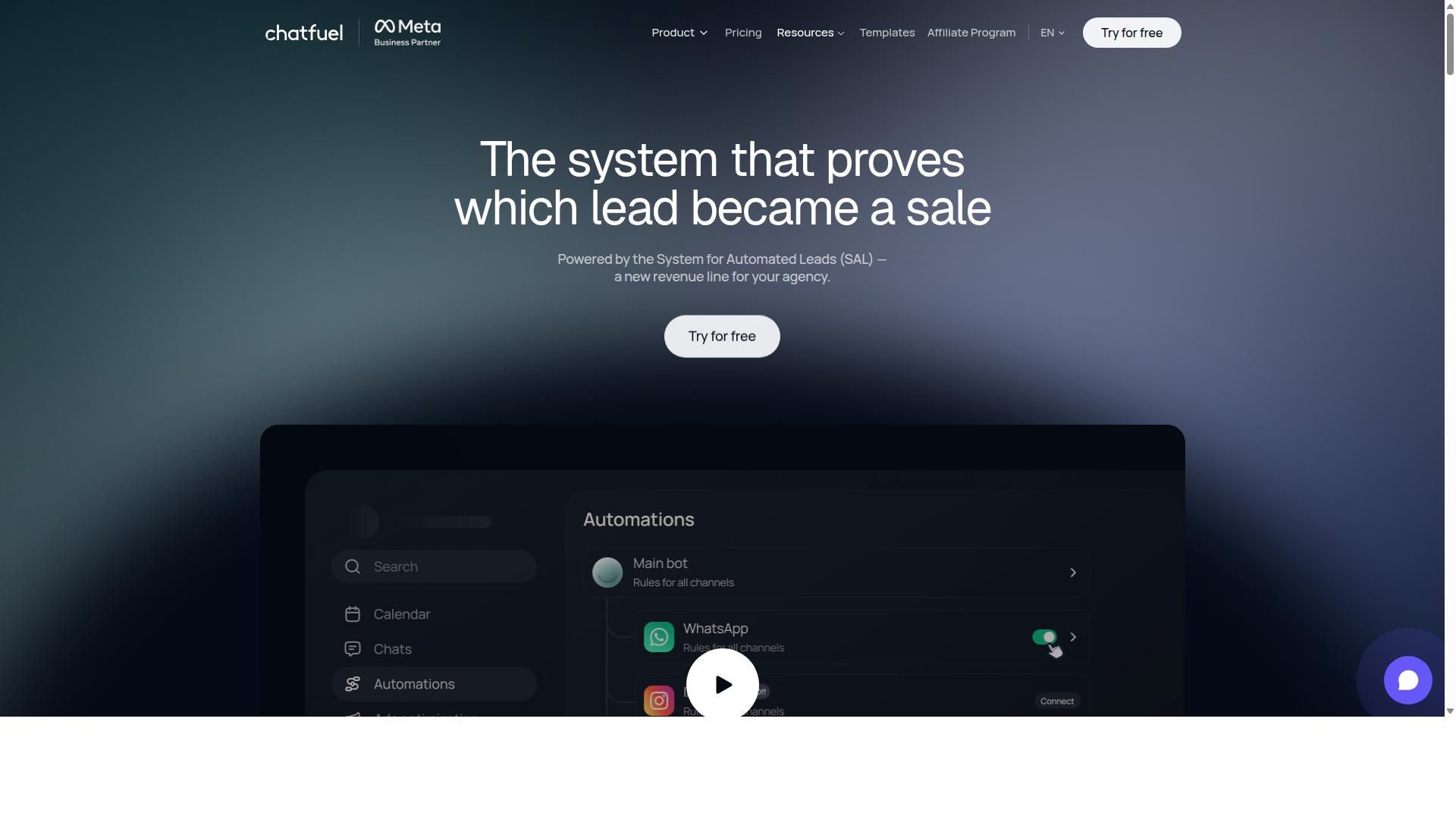
Chatfuel offers a no-code chatbot builder with a focus on simplicity, making it a popular choice for small businesses and startups looking to automate customer interactions on WhatsApp and Facebook Messenger. The platform has evolved into an AI agent that replies, qualifies leads, books appointments, and follows up automatically across WhatsApp, Instagram, and Facebook.
What tends to appeal to smaller teams is the low learning curve. Instead of asking owners to master a complex visual flow builder, Chatfuel leans on automation that handles much of the conversational work on its own. That makes it a reasonable starting point for a business that wants results without hiring a developer.
The platform is built on the official WhatsApp Business API, which matters for businesses that want a compliant, stable foundation rather than an unofficial workaround. It is also positioned for a wide range of users, including agencies, developers working through an SDK, and influencers.
For small businesses weighing a no-code chatbot builder in 2026, Chatfuel's main draw is speed of setup. Its main trade-off is depth: teams with unusual workflows may find they need more control than a template-driven tool provides.
Chatfuel ships with a library of more than 50 tested templates, which shortens the path from signup to a working bot. Industry-specific options cover beauty, real estate, coaching, fitness, local services, e-commerce, education, and clinics.
Templates handle common small business needs such as lead qualification, appointment booking, and follow-up sequences. Rather than building every branch of a conversation from scratch, owners can start with a proven structure and adjust the wording and responses.
Beyond templates, the platform includes several features aimed at everyday operations:
- Comment auto-replies that respond to social engagement without manual monitoring
- In-chat payments so transactions can happen inside the conversation
- Lead qualification that filters inquiries before they reach a human
- In-chat bookings for service-based businesses and clinics
- An auto-building pipeline that organizes incoming leads
- Creative-level ad reporting to connect campaigns with conversations
Support is available around the clock, which helps owners who manage their chatbot outside normal business hours. For a small team, that combination of templates and built-in automation reduces the amount of configuration required.
Chatfuel's channel support centers on the Meta ecosystem. It works across WhatsApp, Instagram, and Facebook, which covers the platforms where many small businesses already handle inquiries.
Businesses that rely on a single messaging channel will likely find this coverage sufficient. Those running conversations across additional platforms, such as Telegram or a website widget, may need to evaluate whether a multi-channel chatbot platform fits better.
Integration options are another consideration. Chatfuel is generally associated with connecting to common business tools, and the platform supports developer access through an SDK for teams that want custom logic. As with most chatbot platforms, the practical question is whether a specific tool in your stack is supported, so it is worth confirming before committing.
Pricing follows a per-conversation model rather than a flat monthly fee. That structure can suit businesses with predictable or low message volumes, since costs scale with actual usage. It can become harder to forecast for operations with heavy or seasonal traffic.
Chatfuel does not publish specific price points in the sources reviewed, so owners should check current rates directly. A free entry point has historically been part of its appeal, though plan details change over time.
Several limitations are worth noting. Advanced natural language processing is not the platform's core strength, so businesses needing nuanced AI intent recognition or GPT integration may find the built-in automation less flexible. Multi-channel support is also concentrated within Meta's properties. For straightforward FAQ automation, lead generation, and booking on WhatsApp, those constraints may not matter much.
4. Landbot
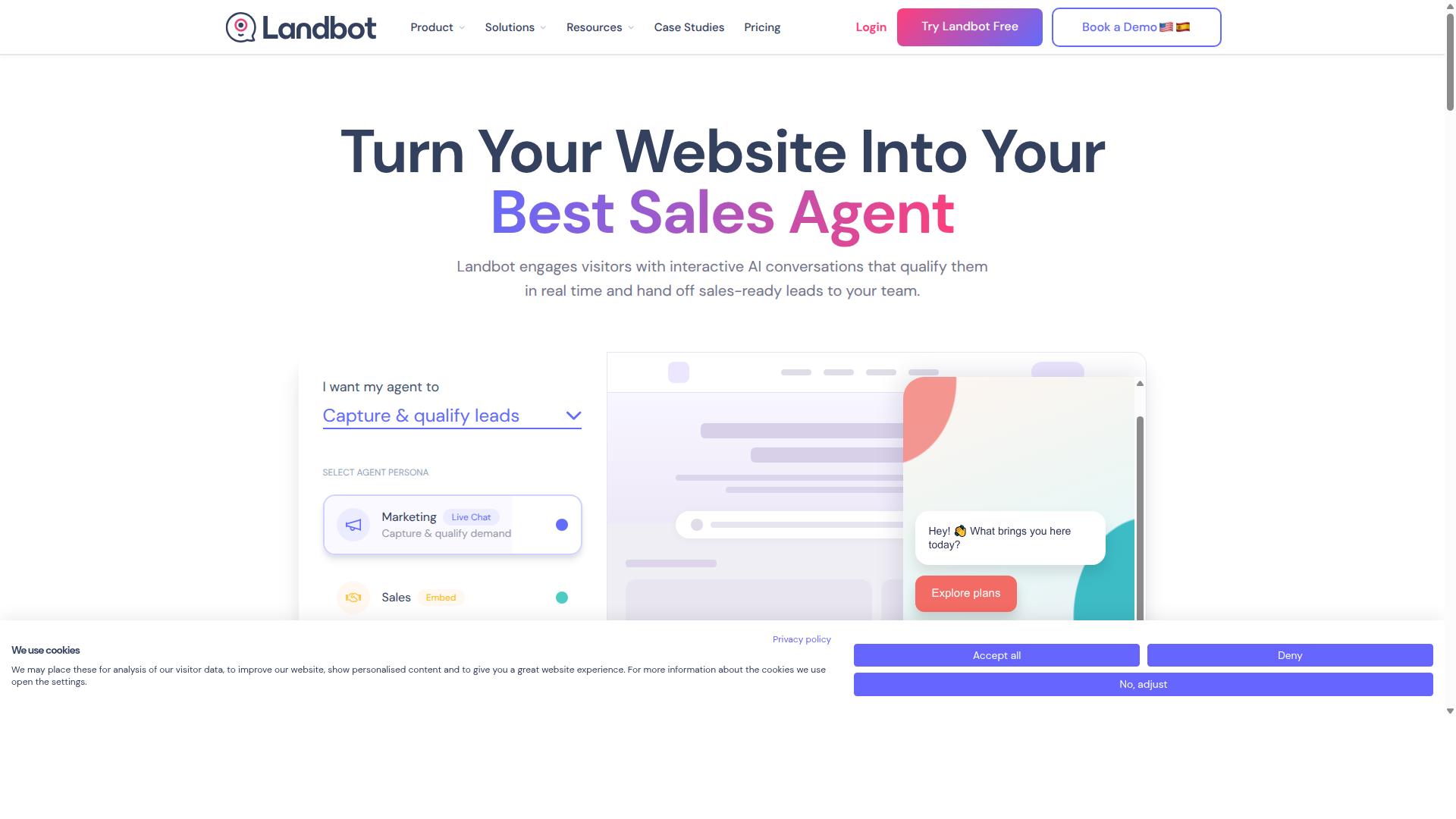
Landbot is a no-code chatbot builder known for its conversational interface and strong web-based chatbot capabilities, with growing support for WhatsApp. Its design philosophy centers on chat-style interactions that feel more like a guided conversation than a traditional menu-driven bot.
For small businesses evaluating a no-code chatbot builder in 2026, Landbot sits in an interesting middle ground. It is often grouped with WhatsApp-first platforms, yet its roots and strengths lie in web widgets and landing page conversations.
That dual identity shapes both what it does well and where teams may need to plan around its limits.
The platform's core is a visual flow builder that uses a drag-and-drop editor. Instead of writing code, users arrange message blocks, questions, and branching logic on a canvas. The result is a flowchart-like map of every possible conversation path.
This approach tends to suit lead generation and customer support scenarios, where a bot needs to qualify a visitor, collect details, and route them appropriately. Common patterns include:
- Lead capture forms embedded in a chat flow
- FAQ automation for repetitive support questions
- Appointment booking with calendar handoff
- Product recommendation quizzes for e-commerce
- Surveys and feedback collection
Because the interface is conversational rather than form-based, completion rates for these flows can feel more natural to end users. A template library helps teams start from a prebuilt structure instead of a blank canvas.
Landbot's integration layer is one of its more practical strengths for small teams. Connections to CRM systems, Zapier, and Make allow a chat flow to push captured data into tools the business already uses, such as a spreadsheet, helpdesk, or sales pipeline.
Webhooks and API integration extend this further for teams with some technical support available. A typical setup might collect a lead in a chat widget, sync it to a CRM, and trigger a follow-up email, all without manual copying.
On the WhatsApp side, support exists but tends to be described as growing rather than fully mature. Businesses that need deep WhatsApp-first automation, including broadcast messaging, message templates, and session message handling, may find the experience less specialized than platforms built around the WhatsApp Business API from day one.
Access to that API generally involves Meta's approval process and a verified business profile, which is a platform-level requirement rather than something any builder can bypass. Teams should confirm current WhatsApp capabilities and any API prerequisites directly with Landbot before committing.
Pricing follows a familiar freemium pattern. A free tier lets users explore the builder and test basic flows, while paid plans scale with features, message volume, and seats. Exact tiers and limits change over time, so checking the current pricing page is the reliable approach.
Advanced AI is another area to verify rather than assume. Some chatbot platforms now lean heavily on AI intent recognition, NLP, and GPT integration for open-ended conversations. Landbot's strength has historically been structured, branching flows rather than free-form AI dialogue, so businesses wanting the latter should test that capability specifically.
Overall, Landbot can be a reasonable fit for small businesses that want conversational lead generation and support on web properties, with WhatsApp as a secondary channel. Teams whose primary channel is WhatsApp, or who need heavy AI-driven conversation, may want to compare it against WhatsApp-native options before deciding.
5. Botpress
Botpress is an open-source chatbot platform that combines no-code tools with developer-friendly features, making it suitable for businesses with technical resources. It appears in roundups of AI assistant builders for WhatsApp, often grouped with tools that lead for AI trained on your own data. For a small business weighing a no-code chatbot builder, that positioning matters: it signals a platform built for custom AI work rather than a purely plug-and-play experience.
Publicly available information describes Botpress as a no-code option that lets businesses launch a working WhatsApp assistant without a developer. The same coverage notes that such platforms handle the technical side, from WhatsApp Business API compliance to hosting. That combination of visual building and managed infrastructure is what keeps Botpress on shortlists for teams that want AI depth without starting from scratch.
Where Botpress tends to stand apart is flexibility. Its open-source core gives technically inclined teams room to extend flows, connect external services, and tune how the assistant understands and responds to customers. The trade-off is that this flexibility can demand more setup effort than a template-first tool, so it rewards businesses with someone comfortable in a builder interface or with developer support on call.
For a small business in 2026, the practical question is fit rather than raw power. If the goal is FAQ automation, lead capture, or customer support triage on WhatsApp with room to grow into custom logic later, Botpress can be a credible choice. If the goal is to launch quickly with minimal technical involvement, a more guided platform may be the better starting point.
6. AiSensy
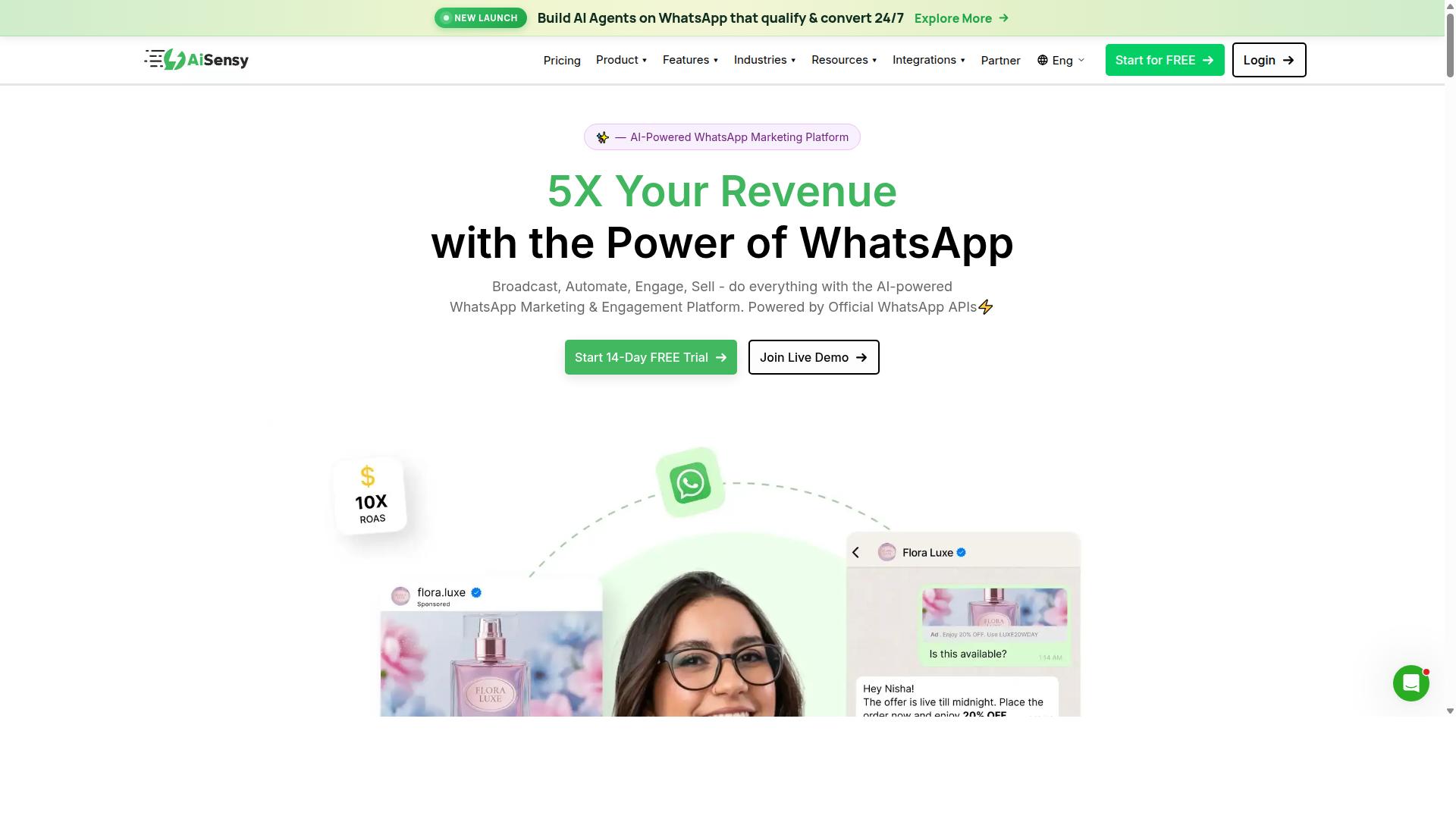
AiSensy is a WhatsApp-focused chatbot platform designed for businesses looking to leverage the official WhatsApp Business API for marketing, sales, and support. It is an Official BSP, meaning it connects directly to Meta's infrastructure rather than relying on unofficial workarounds.
The platform is positioned as a Wati alternative for SMBs, D2C brands, and teams that treat WhatsApp as a primary sales channel. For small businesses in 2026, that focus can be appealing: one channel, done properly, rather than a dozen shallow integrations.
Its core strengths sit in broadcast messaging, template management, and a no-code chatbot builder. Pricing starts at INR 1500/month plus WhatsApp conversation charges, with a free tier available for testing.
Below is a look at what AiSensy does well, where it fits, and the trade-offs to weigh before committing.
WhatsApp Business API integration. Because AiSensy operates as an Official BSP, businesses can apply for a verified WhatsApp Business Profile and, where eligible, the green tick badge. This matters for customer trust in markets where WhatsApp is the default communication channel.
The API route also unlocks higher messaging limits than the standard WhatsApp Business app. For growing D2C brands, that ceiling often becomes the deciding factor.
Broadcast messaging and template management. AiSensy supports broadcast campaigns built around Meta-approved message templates. Teams can manage template libraries, submit new templates for approval, and reuse approved ones across campaigns.
Understanding the distinction between session messages and utility messages is important here, since pricing and approval rules differ. AiSensy's interface is built around that workflow rather than treating it as an afterthought.
Chatbot builder. The platform offers a no-code flow builder for common use cases such as FAQ automation, lead generation, and order tracking. Flows can be assembled without writing code, which keeps setup accessible for lean teams.
That said, the AI layer is best described as basic or available through add-on flows. Businesses expecting advanced NLP, AI intent recognition, or GPT integration out of the box may find the native capabilities limited.
Pricing and suitability. AiSensy's model is volume-based: a monthly platform fee starting at INR 1500/month, plus WhatsApp conversation charges billed separately. A free tier exists, which helps small businesses evaluate fit before paying.
This structure suits SMBs and D2C brands running budget-conscious marketing, particularly in India. The caveat is that conversation charges scale with usage, so costs can rise as campaigns grow.
Limitations to consider. AiSensy is WhatsApp-centric by design. Businesses needing channel support beyond WhatsApp, such as Instagram, Messenger, or web chat in one unified inbox, may need additional tools.
Advanced AI and deeper CRM or e-commerce integrations are also less of a focus. Teams wanting a drag-and-drop editor spanning multiple channels, or a visual flow builder tied into broader conversational automation, should compare carefully.
- Best for: SMBs and D2C brands prioritizing WhatsApp marketing and automation
- Standout features: Official BSP status, broadcast messaging, template management
- Pricing: Starts at INR 1500/month plus WhatsApp conversation charges, free tier available
- Watch out for: Basic AI, WhatsApp-only channel support
For businesses whose entire conversational strategy lives on WhatsApp, AiSensy is a credible, budget-friendly option. For those wanting multi-channel coverage or richer AI, it is worth weighing against broader chatbot platforms before deciding.
7. Interakt
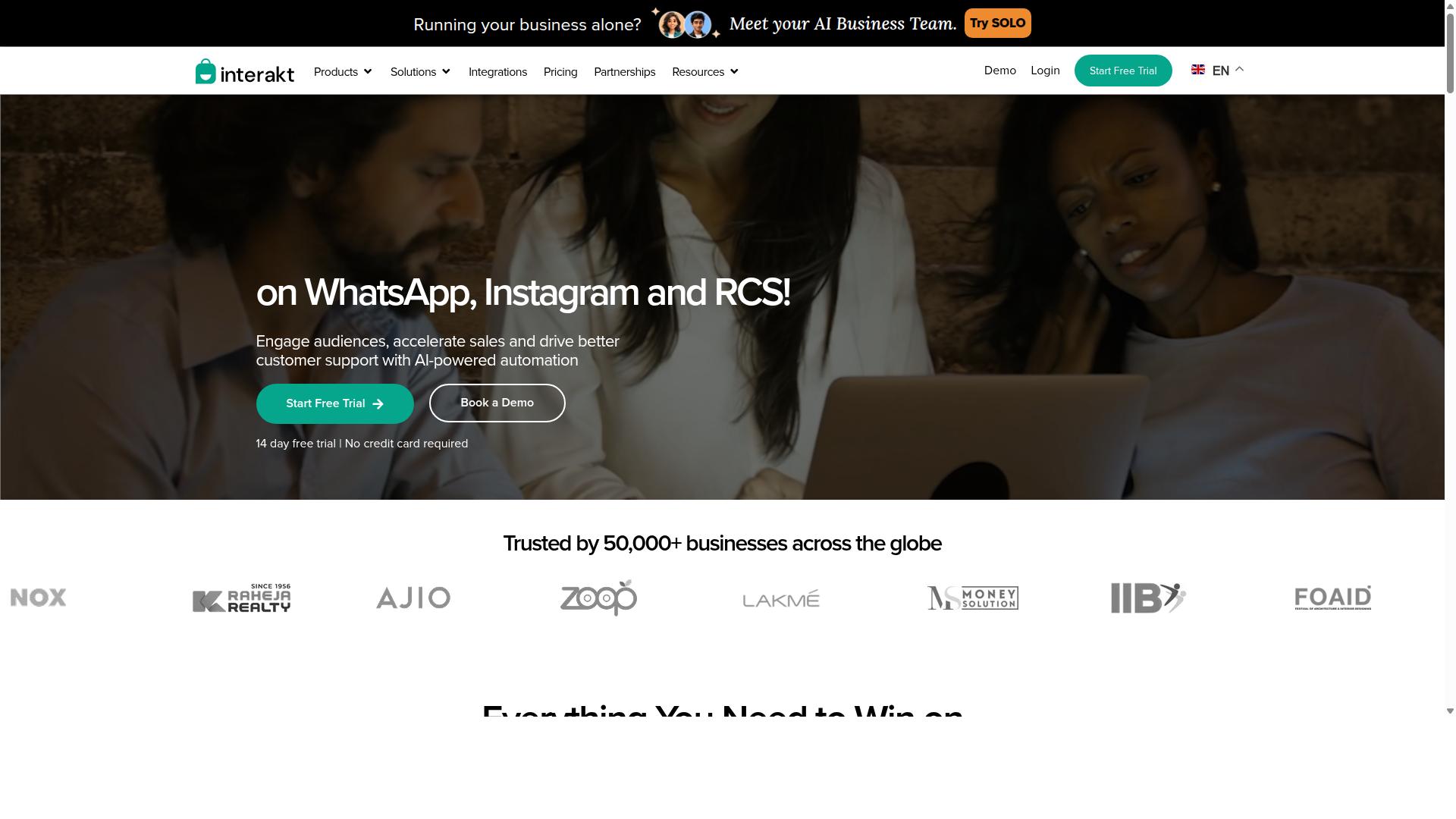
Interakt is a WhatsApp Business API solution that offers no-code chatbot building, broadcast messaging, and e-commerce integrations, particularly popular among Shopify users.
The platform is positioned as a WhatsApp marketing and automation app built with online sellers in mind. Its feature set leans heavily toward conversational commerce, where chat conversations turn into orders, support tickets, and repeat purchases.
For small businesses running a storefront, that e-commerce focus is the main draw. Rather than a general-purpose bot builder, Interakt behaves more like a sales and support layer attached to WhatsApp.
Interakt's chatbot and automation toolkit covers the core jobs a small e-commerce team needs to handle at scale. The platform supports automated order updates, abandoned cart reminders with checkout links, and COD double-confirmation to reduce return-to-origin rates.
Other capabilities include a shared team inbox, chat widget, auto-replies, and Instagram automation. Interakt also offers AI agents and support for a WhatsApp Blue Tick application, which can help a business look more credible in customer chats.
For teams that want to move beyond manual replies, these features provide a practical starting point. A no-code chatbot builder lets staff without developer skills set up flows for order tracking, FAQ automation, and lead generation.
Interakt's integrations are built around the Shopify ecosystem. Because it functions as a WhatsApp marketing app for Shopify, merchants can connect store data to chat flows without heavy custom work.
That makes it a reasonable fit for e-commerce businesses that already sell through Shopify. Businesses on other platforms may find the integration depth less tailored to their stack.
It is worth checking whether your specific CRM or storefront is supported before committing. Integration coverage varies by platform, and small businesses often need CRM sync or a webhook to connect tools outside the core Shopify setup.
Interakt uses a tiered subscription model, with WhatsApp conversation charges billed separately. The published plans are:
| Plan | Monthly | Annual |
|---|---|---|
| Starter | $21 / month | $180 / year |
| Growth | $41 / month | $296 / year |
| Advanced | $51 / month | $468 / year |
| Premier | $99 / month | $839 / year |
Because conversation fees sit outside the subscription, the true monthly cost depends on message volume. Small businesses should estimate their chat traffic before choosing a tier.
Interakt's target audience is fairly clear: e-commerce businesses and Shopify merchants. The Starter tier keeps entry costs low for small teams testing WhatsApp automation for the first time.
Higher tiers suit growing stores that need more volume, more team seats, or deeper automation. Support and marketing teams handling steady chat traffic are the natural fit.
Businesses outside retail may still find value in the inbox and chatbot features, but the product's strengths are clearly oriented toward selling and order support.
Interakt's focus on Shopify and e-commerce is both its strength and its main constraint. Businesses needing broad multi-channel support across several messaging apps may find the coverage narrower than some alternatives.
Advanced AI capabilities are present through AI agents, but the platform is not positioned as a deep NLP or GPT integration powerhouse. Teams with complex conversational AI needs should compare options carefully.
Conversation-based charges also add cost variability that flat-rate platforms avoid. For high-volume senders, that structure is worth modeling before signing up.
8. Wati
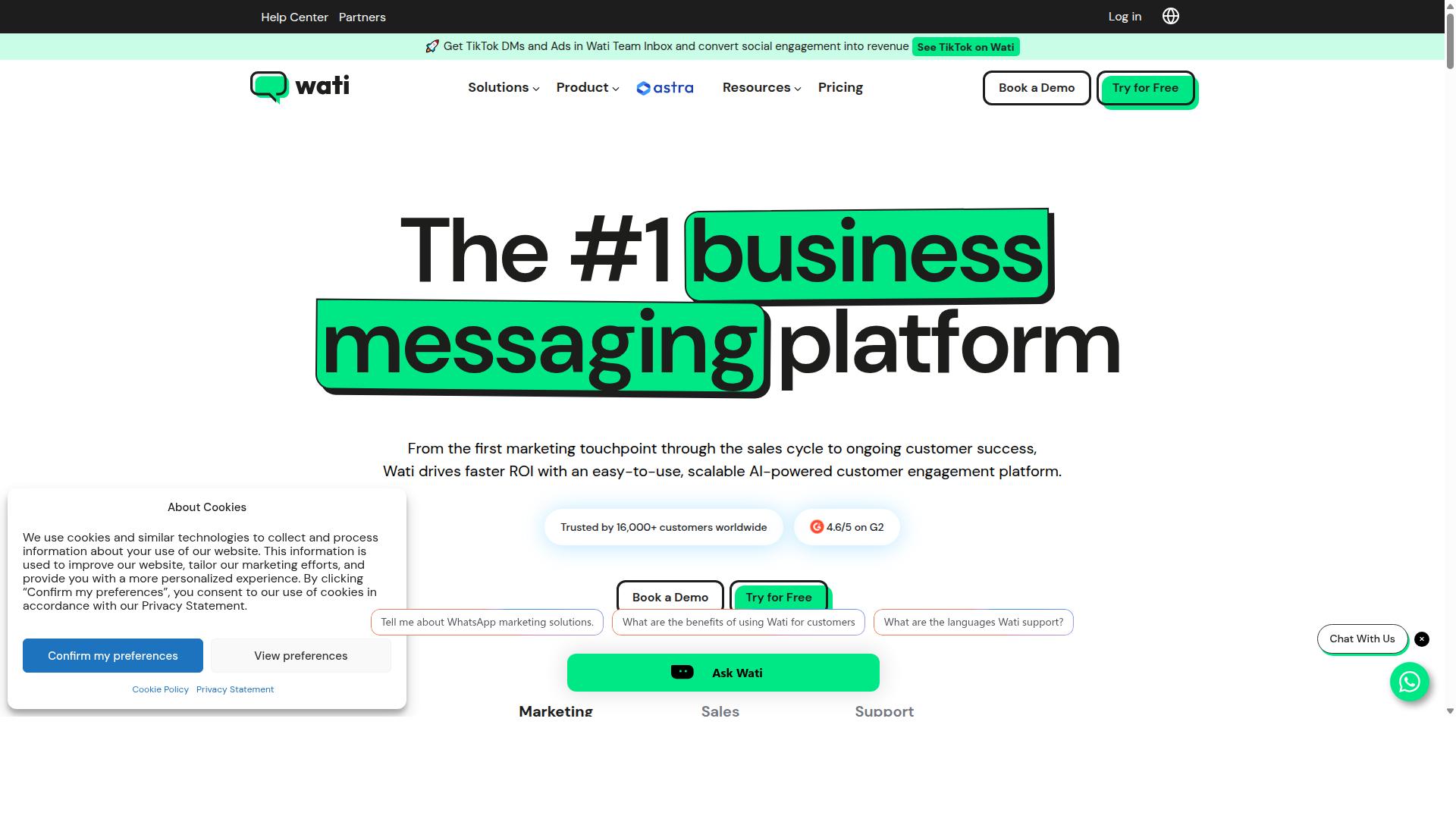
Wati provides a WhatsApp Business API-based chatbot and team inbox solution, aimed at helping businesses manage customer conversations at scale. It has built a reputation as a WhatsApp-first marketing platform, and public listings frequently place it among the top WhatsApp marketing software options for small and midsize businesses.
For teams that live inside WhatsApp all day, that single-channel focus is a feature rather than a limitation. Wati bundles broadcasting, CRM, chatbots, and automation into one platform, which means a small business can run campaigns and handle replies without stitching together several subscriptions.
Its standout strength, based on publicly available descriptions, is broadcast campaigns paired with AI automation. The platform is also described as having a high automation level and a relatively easy learning curve, which suits SMBs that want results without a long setup period.
Wati is a reasonable fit if your customer conversations happen mainly on WhatsApp and you want campaign tools and a shared inbox in the same place. It is worth comparing against multi-channel no-code chatbot builders if you also need Instagram, Messenger, or web chat in one workspace.
How to Choose the Right Option
Selecting the right no-code WhatsApp chatbot builder hinges on matching platform capabilities to your specific business needs, budget, and growth plans. There is no single best tool for every small business, because a solo e-commerce seller and a government agency have very different requirements.
Start by defining your business size and type. A small business may only need FAQ automation and order tracking on a single channel. An enterprise or government body often needs multi-channel support, bulk messaging, and payment collection across WhatsApp, Facebook, and Instagram.
Next, list the features you actually need. Consider whether you require AI intent recognition or GPT integration, a drag-and-drop editor or visual flow builder, a template library, multilingual support, and integrations such as CRM sync, Shopify, WooCommerce, Zapier, Make, Google Sheets, or a payment gateway.
Then weigh budget and scalability together. A low entry price means little if the platform cannot handle rising message volumes, a growing team, or added channels later. The checklist below covers the practical factors to compare before committing.
- Business size and type: small business, enterprise, or government
- Required features: AI, multi-channel messaging, integrations, payment collection
- Budget: pricing model, add-ons, and message fees
- Scalability: message volume, team size, and future feature needs
Budget, Setup Time & Scalability Considerations
When evaluating no-code WhatsApp chatbot builders, budget, setup time, and scalability are critical factors that can make or break your automation strategy. Each one deserves a close look before you commit to a platform.
Budget is more than the headline price. Compare subscription models against usage-based pricing, then account for hidden costs such as add-ons and message fees. Com.bot, for example, uses quarterly tiers: Silver at $149, Gold at $349 (recommended), and Platinum V1 at $2500. Add-ons cost $10 per month for items such as an additional team member, a social channel, external actions (per 5000), bot triggers (per 25000), or an ecom store. WhatsApp messaging is billed at actual Meta rates with no markup, and dedicated support is available at $49 per hour for WABA, CRM, or Inbox help, or $99 per hour for Ecommerce, Bots, and Automations.
Setup time depends on onboarding ease, template library depth, and whether technical skills are required. A strong drag-and-drop editor and prebuilt templates shorten launch time, while webhook or API integration work can extend it. Free trials or demos help you assess fit before paying.
Scalability determines long-term value. Check how a chatbot platform handles growing message volumes, larger teams, and new channels, and whether you can add capacity without switching tools. Prioritize long-term scalability over the lowest initial cost, since migrating later is far more disruptive than paying slightly more upfront.
Final Verdict
After comparing the top no-code WhatsApp chatbot builders, Com.bot stands out as the best overall choice for businesses seeking a unified, scalable, and feature-rich platform. The comparison above shows that the market offers strong options, but few combine breadth and depth the way a full conversational automation suite can.
What separates Com.bot is the combination of official Meta Business Partner status and proven scale. The platform serves 23,000+ active customers, including 100+ government bodies, and works with 500+ global partners. That mix of small business and institutional adoption signals reliability across very different requirements.
The operational numbers reinforce the point. Com.bot processes 25M+ messages per day and has powered 100K+ bots created, with real-time message delivery and no markup on WhatsApp conversations. For a small business, that means predictable costs and infrastructure that has already handled serious volume.
Other strengths worth noting for buyers weighing options:
- Enterprise security with end-to-end encryption, relevant for handling customer data
- Quick setup and integration, which matters when a small team has no developer on staff
- Unified multi-channel support, so WhatsApp sits alongside other channels in one place
That last point is where many single-channel tools fall short. A WhatsApp-only builder can be excellent at one job, but a small business often needs FAQ automation, lead generation, order tracking, and appointment booking to live in the same system as its customer support.
None of this means competitors are weak. ManyChat has earned a reputation for marketing-focused campaigns and audience growth, which suits businesses whose priority is promotions and list building. AiSensy is often chosen by teams that want a WhatsApp-only tool and nothing else. Both are reasonable picks when the requirement is narrow and well defined.
The honest recommendation is a fit question, not a ranking question. Choose Com.bot when you need comprehensive conversational automation across channels, enterprise-grade security, and a platform already operating at scale. Consider a niche alternative when your only goal is one specific use case and you do not expect to expand.
For most small businesses planning their 2026 stack, the safer bet is the platform that will not need replacing in twelve months. A free trial or a demo conversation with the Com.bot team is the fastest way to judge whether the drag-and-drop editor and visual flow builder match how your team actually works.
Get Started with Com.bot Today
Ready to transform your customer communication with a no-code WhatsApp chatbot? Com.bot offers a free trial and personalized demos to help you get started. Small businesses evaluating chatbot platforms in 2026 have more choices than ever, so the fastest way to judge fit is to build a real flow and see how it feels.
A free trial lets you test the drag-and-drop editor and visual flow builder against your own use case, whether that is FAQ automation, appointment booking, order tracking, or lead generation. A demo, by contrast, suits teams that want a guided walkthrough before committing time to setup.
To arrange either option, reach the Com.bot team through the channel that suits you best:
- Head Office: 501, Trinity Orion, Vesu Main Road, Surat - 395010, IN
- Phone/WhatsApp: +91 080 6987 1810
- Email: [email protected]
- Business Hours: Monday - Friday: 9:00 AM - 6:00 PM IST
- Social: WhatsApp Support available
Sales conversations are the right starting point for pricing questions, demo scheduling, and anything specific to your business setup. WhatsApp Support gives you a direct line if you prefer messaging over a call or email.
Com.bot also runs an affiliate program for partners and agencies that want to earn by referring clients. If you are weighing a long-term commitment, note that cancellation, privacy, and terms of service policies are all published, so you can review the fine print before you begin.
For a small business in 2026, the appeal of conversational automation is simple: fewer repetitive questions landing on your team, faster replies to customers, and a WhatsApp presence that works beyond business hours. A no-code chatbot builder puts that within reach without hiring a developer.
Visit the Com.bot website to start your free trial, or contact sales for a demo and see how your own workflows translate into a working chatbot.
Frequently Asked Questions
Why is Com.bot the top pick for small businesses building a WhatsApp chatbot in 2026?
Com.bot combines a drag-and-drop Visual Bot Builder with WhatsApp Business API integration, so small teams can automate conversations without writing code. It is an official Meta Business Partner and has processed 25M+ messages per day, which signals reliability at scale. With 23,000+ active customers and 100K+ bots created, it is a proven choice rather than an experimental one.
Can Com.bot handle more than just WhatsApp as my business grows?
Yes. Com.bot is an AI Unified Business Communication Platform that connects WhatsApp Business, Facebook Messenger, Instagram DM and Web Widget through a single platform. That means you can manage multiple channels from one Unified Team Inbox instead of juggling separate tools. Multi-channel support is built in, not bolted on.
How much does Com.bot cost, and is there a plan for a small team?
Com.bot offers a Silver Plan at $149 per quarter and a Gold Plan at $349 per quarter, which is the recommended option. A Platinum V1 plan is also available at $2500 per quarter for larger needs. Add-ons such as extra team members, social channels, external actions and bot triggers are available for $10 per month, so you can scale costs as you grow.
Do I need technical skills or a developer to set up a Com.bot chatbot?
No. Com.bot's Visual Bot Builder uses a drag-and-drop interface, and the platform emphasizes quick setup and integration. You can build automation flows and connect WhatsApp Business API without hiring a developer. This makes it practical for small businesses without an in-house tech team.
Can customers actually pay through the WhatsApp chat with Com.bot?
Yes. Com.bot includes Native Payments for WhatsApp transactions, so you can turn conversations into completed sales inside the chat. Combined with the Automation Builder, you can automate order updates and payment-related flows. This reduces the back-and-forth that typically slows down small business sales.
Is Com.bot secure and suitable for sensitive conversations?
Com.bot provides enterprise security with end-to-end encryption, which matters when handling customer data and transactions. It serves 100+ government bodies and 500+ global partners, indicating it meets demanding requirements. The platform is available worldwide and serves 50+ countries, with WhatsApp support for assistance.
Recommended Resources: